Start with the task at hand
Identify a person, select a task or take a measurement: we first define the action that matters.
A tap on a screen, a badge or a sensor can trigger an action in your software. We design the interface, electronics, enclosure and integration that make this workflow possible.
A project scoped around your use case, with a prototype to try before integration.
An example of our design process. The simulation uses demonstration data and does not trigger any action in a company’s system.
Identify a person, select a task or take a measurement: we first define the action that matters.
Screen, sensors, electronics and enclosure are planned together with the software they need to serve.
The prototype lets you assess the workflow, assembly and connections under the intended conditions.
Each step clarifies what will be built and what still needs to be tested on site.
Users, location, expected actions, data and software connections: we build the scope with you.
We assemble an initial version of the interface, electronics and enclosure to try the workflow.
Trials help refine the hardware and software before preparing the connection to your environment.
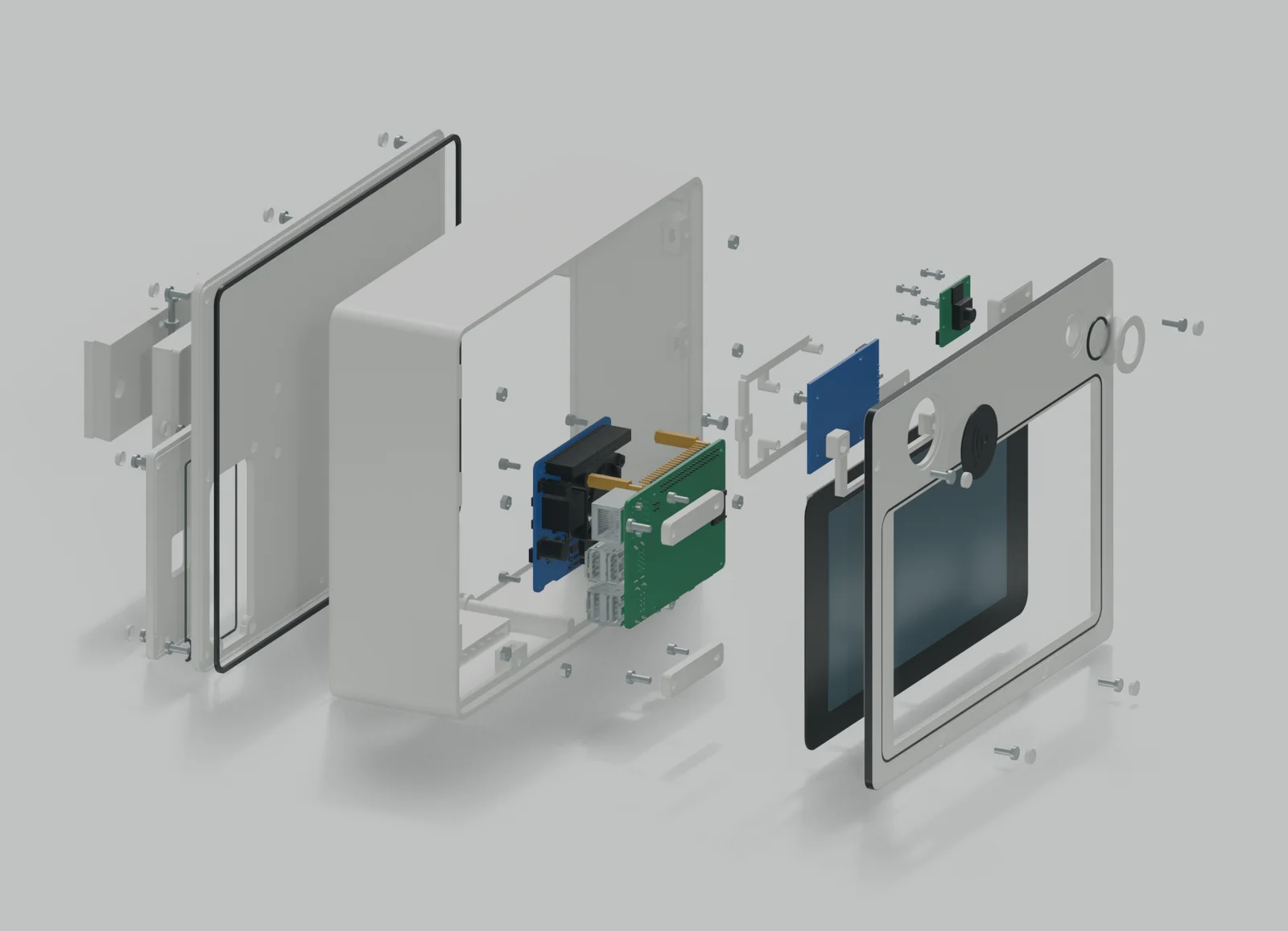
We define the services your project needs, from the first screen to data exchange with your system.
Action choices, visible feedback and navigation suited to a shared kiosk or a dedicated workstation.
RFID, cameras or other sensors as needed; computing hardware, power and PoE where appropriate.
CAD, component access, fastenings and a 3D-printed prototype to check assembly and use.
Embedded applications, connections to your tools and error handling defined around the available interfaces.
This service covers custom design. The Neoffice kiosk is a practical example, currently at the prototype stage, combining a business interface, electronics and an enclosure.
We review the available APIs, access and data before proposing any exchanges. The integration scope depends on your software’s capabilities and your company’s rules.
Yes, as a requirement to assess from the outset. Water, dust, temperature and installation call for specific hardware choices and tests. The prototype shown does not establish an IP rating or validation for outdoor use.
Describe the user, the action you want to simplify, the installation site and the software to connect. We can then define an initial version and the trials needed before discussing a rollout.
Tell us about your situation and constraints. We will define an initial prototype and a practical way to try it.